
A3 · Day 0 — Preparation
Do this before the shipment arrives. The first three days are the most exciting; do not let them slip by while you wait to buy proxies.
Question of the day: What do I need to have ready?
No need to plug anything in yet. Just have every item below ready before you start Day 1.
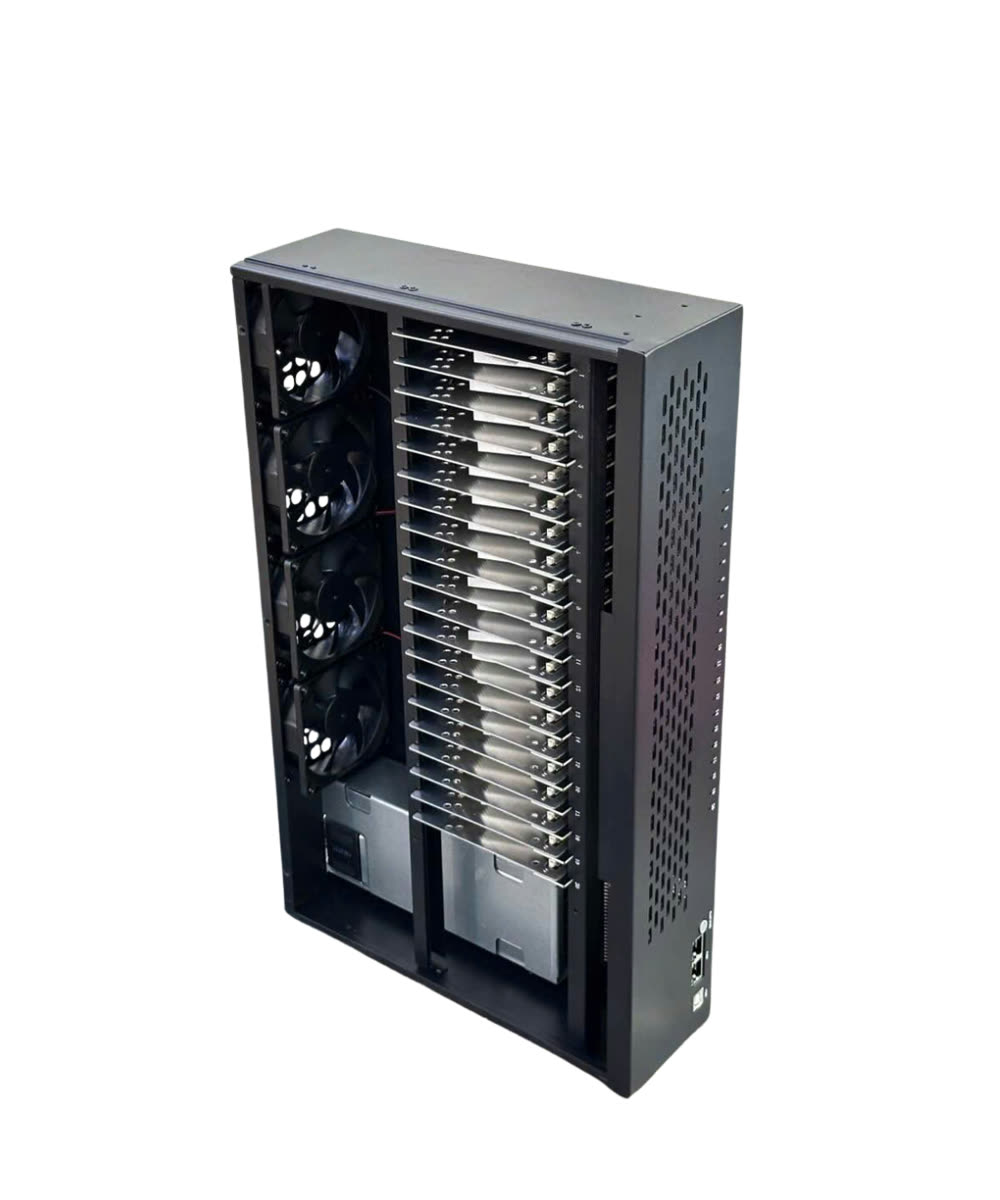
A place for the box + a dedicated power supply → Wired network + a control computer → Accounts and trial proxies bought in advance → An unboxing video
Preparation
Section titled “Preparation”- A place for the box — a well-ventilated or air-conditioned room, about 10 cm away from the wall so air can flow on all four sides. Do not put it on the floor, inside a closed cabinet, or next to a sunny window.
- A dedicated power supply — do not share a socket with an air conditioner, oven or washing machine. A UPS of 1,000 VA or more is recommended so the system does not shut down abruptly during a power cut. Have a 3-prong socket ready if you do not have one.
- A wired network connection — one free port on your modem for the GenRouter.
- LAN cable (if you use a mini PC) — Cat5 or Cat6 (preferred).
- A control computer — Wi-Fi is not required; a LAN connection works just as well. See the table below for how to connect it.
- 5 accounts and 5 proxies for a trial run — buy them in advance, do not wait until you need them. You do not need 20 accounts yet.
- vilao.ai API key — used for automatic commenting. By default the script uses its built-in model; you can switch to another AI model available on vilao if you need to. The fee is about 2% ≈ 50,000 VND, enough for generous use. Sign up and get your key at vilao.ai/console — step-by-step guide.
- Unboxing video — film yourself opening the package, and keep the seals intact. This is your warranty evidence in case of a manufacturing defect.
How to connect the control computer
Section titled “How to connect the control computer”| You use | How to connect |
|---|---|
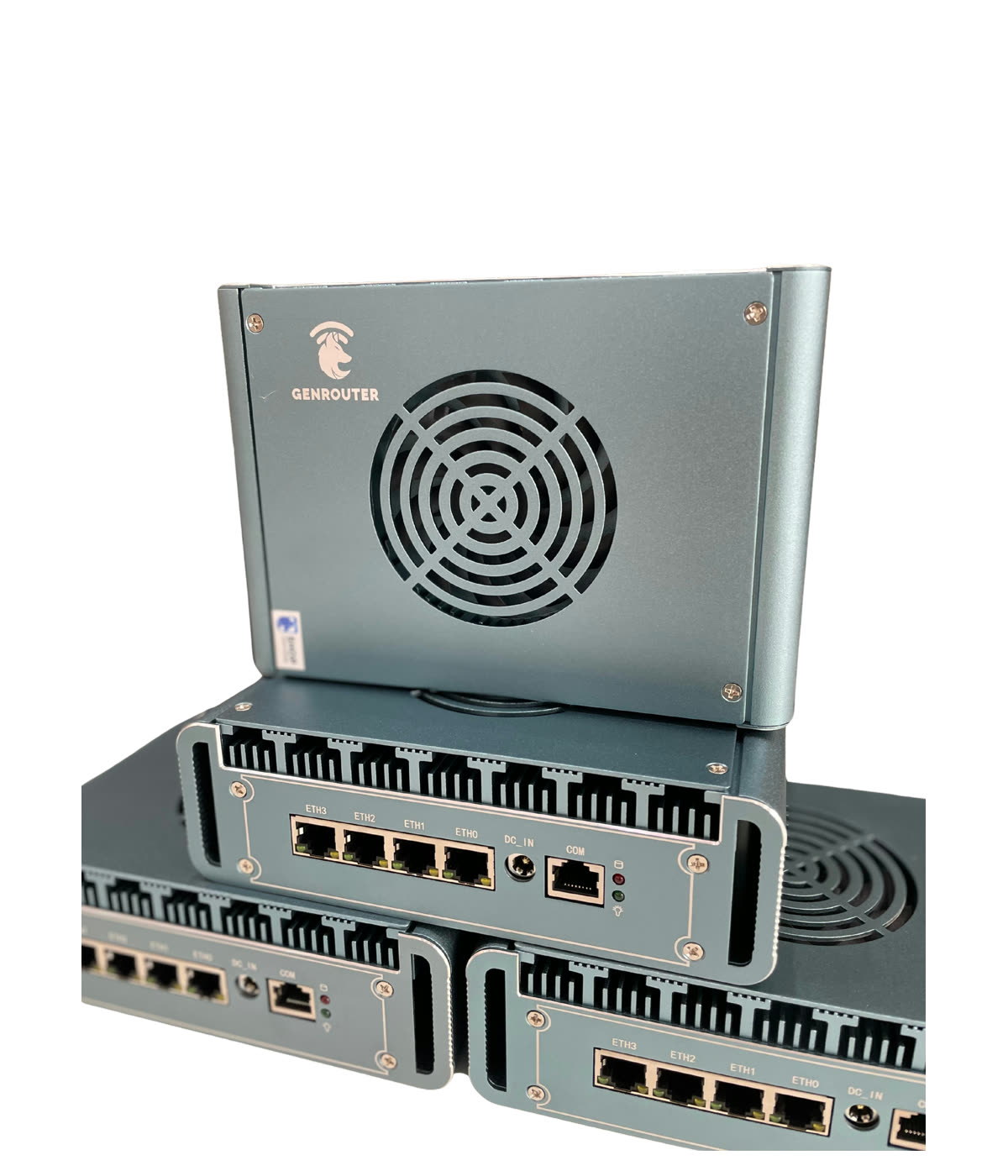
| GenRouter H3000 | If your PC has Wi-Fi, connect over Wi-Fi. If not, use LAN: H3000 LAN port → PC Ethernet, or Boxphone LAN → PC Ethernet (in this case connect the H3000 LAN port to LAN1 or LAN2 of the Boxphone, then run the remaining LAN port to the PC — applies to the P30 box). |
| Mini PC | Connect over LAN. Wi-Fi does not apply to the mini PC. If your laptop has no Ethernet port, get a USB-to-LAN or Type-C-to-LAN adapter. |
Done when
Section titled “Done when”Three common mistakes
Section titled “Three common mistakes”| ✕ | Mistake | Consequence |
|---|---|---|
| 1 | Putting the box in a closed cabinet or under a desk to keep things tidy | Heat cannot escape, the phones throttle themselves |
| 2 | Sharing a power socket with high-power appliances | The system crashes in the middle of a run |
| 3 | Buying a mini PC without a LAN cable, or using a laptop with no Ethernet port and no adapter | The shipment arrives and you still cannot connect your computer |