When you meet a term you do not know while reading, look it up here and then go back to the page you were on. Organized by the four layers of the system — see A1 · The four layers of the system.
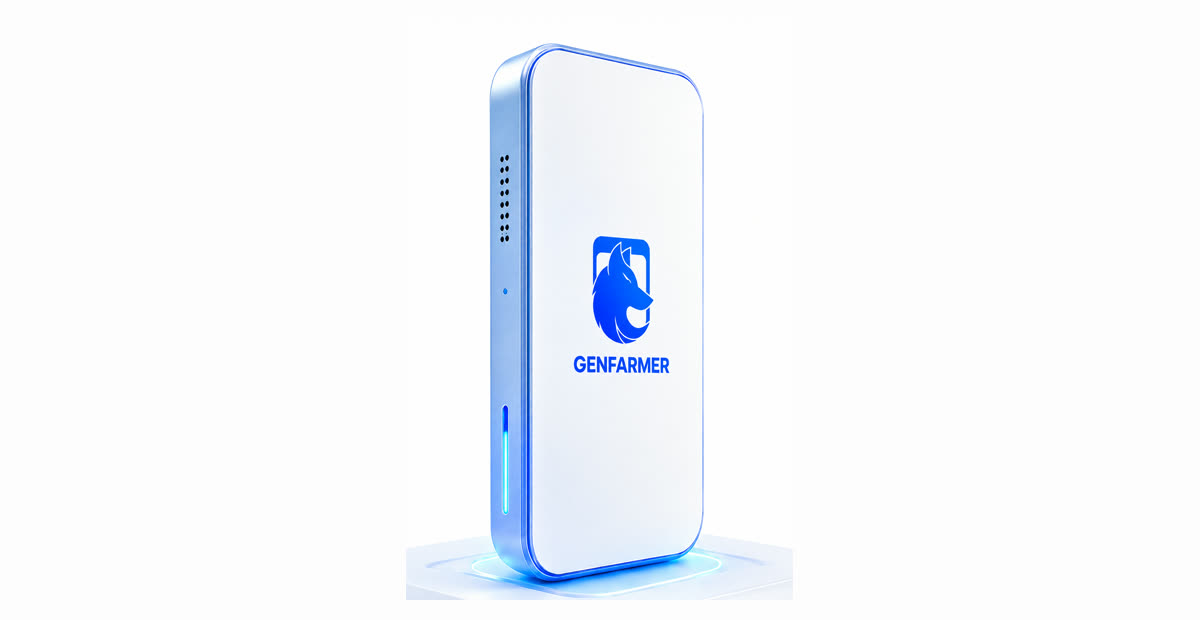
The boxphone and the parts referred to in the glossary.
The hardware enclosure holding many phones (usually 20), bought from GenFarmer.
A1, A4
GenFarmer Software
The software installed on your computer to control every phone in the box. Download from genfarmer.com/download.
A4
Control Center
The manual control screen in the software: tap, type and act on one phone or many phones at once.
A4
USB mode
The connection mode when using 1 box with a GenRouter H3000. Plug in and it is detected automatically.
A4
OTG mode
The connection mode when using a mini PC. You must add two address ranges, click Active, then Scan. In this mode the phones already have internet through the mini PC.
A4
Address range
The two network address ranges 192.168.4.1–255 and 192.168.5.1–255 that must be declared in OTG mode so the software can find the phones.
A4
Active / Scan
Active: activates the address ranges you added. Scan: searches for phones. Forgetting Active is the most common reason Scan finds no phones.
A4
Device ID
The identifier of each phone, shown on the main screen; used to assign a phone to an account in Account Manager.
A5
APK
The Android app installation file (TikTok, Facebook…). Installed in bulk with the Install APK button.
A5
adb
Android’s command-line tool for sending commands directly to a phone. Optional, for people with a technical background only.
GenFarmer’s router, which gives each phone its own internet route. The H3000 serves 1 box. Control panel at 192.168.5.1:9000.
A1, A4, A5
Mini PC
A small computer used instead of the H3000 when you have 2 or more boxes; the phones in the box use the mini PC’s network (OTG mode). Needs a Cat5/Cat6 LAN cable.
A3, A4
Proxy
An account’s “home address” on the internet. Each phone / each account needs its own proxy; sharing one is what causes accounts to get banned in clusters.
A5
Isolate Mode
A GenRouter mode: if a phone’s proxy dies, that phone’s network is cut immediately so the real address is never exposed.
An account on a platform (TikTok, Facebook…). In the system, an account is an identity; the proxy is that identity’s home address.
A5
UID | Password | 2FA
The default format for entering accounts into the sheet: account ID, password and two-factor code, separated by vertical bars. Can be changed under Custom.
A5
Account Manager
The account management screen: where you import the account sheet, assign Device IDs, and (from Day 3) choose which account runs which script.
A5, A6
Verification
The platform asks you to prove the account (OTP code, photo, video…). Being asked for verification more often than usual is a sign to stop.
A5, A7
Warming up / settling accounts
The 2–4 week phase in which an account builds habits like a real person before being used for its main purpose. Slow growth during this phase is normal.