
A1 · The four layers of the system
Read this page first. When something goes wrong, the first thing to do is not to fix it, but to work out which layer is broken. Once you know the layer, the problem is already half solved.
LAYER 1 · Boxphone
Section titled “LAYER 1 · Boxphone”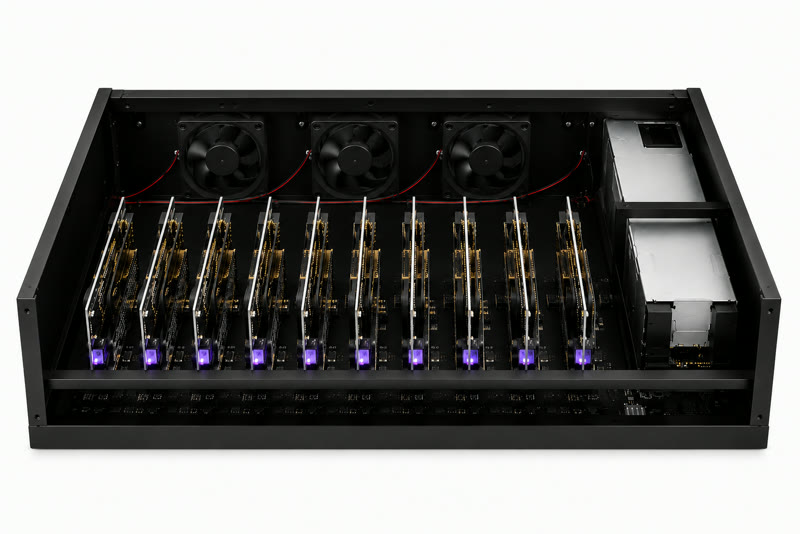
This is the hardware you bought from GenFarmer.
LAYER 2 · Router
Section titled “LAYER 2 · Router”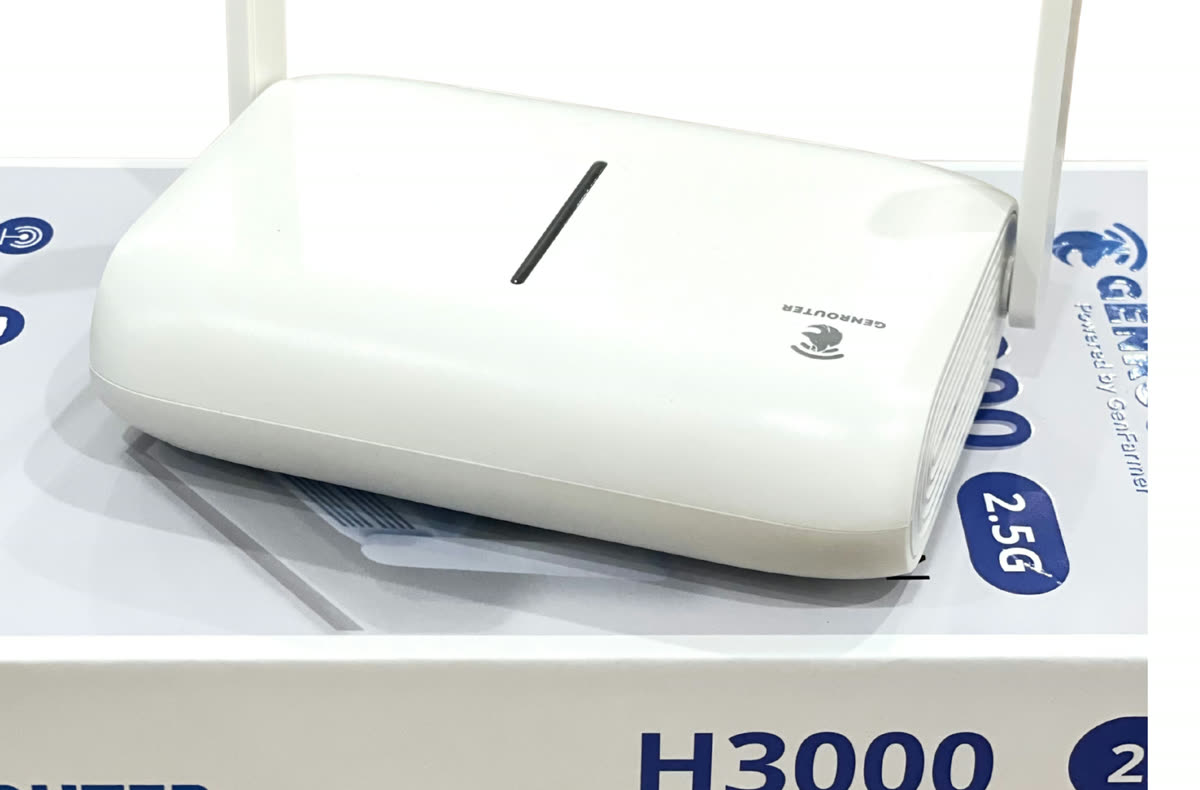
GenRouter gives each phone its own internet route, nothing shared. GenRouter H3000 serves 1 box; for 2 or more boxes, use a mini PC.
LAYER 3 · Account + Proxy
Section titled “LAYER 3 · Account + Proxy”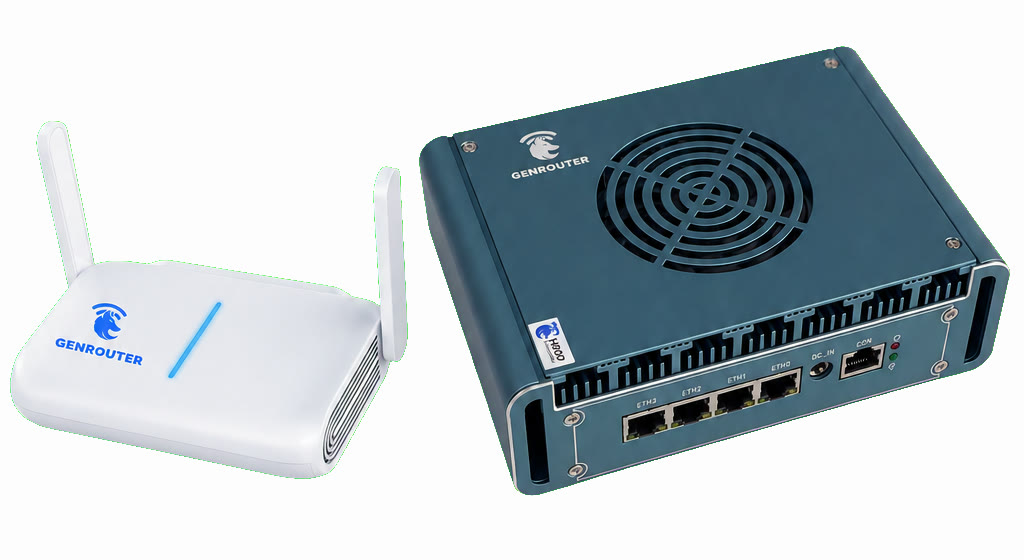
This is what you need to prepare before launching your phone farm.
LAYER 4 · Automation
Section titled “LAYER 4 · Automation”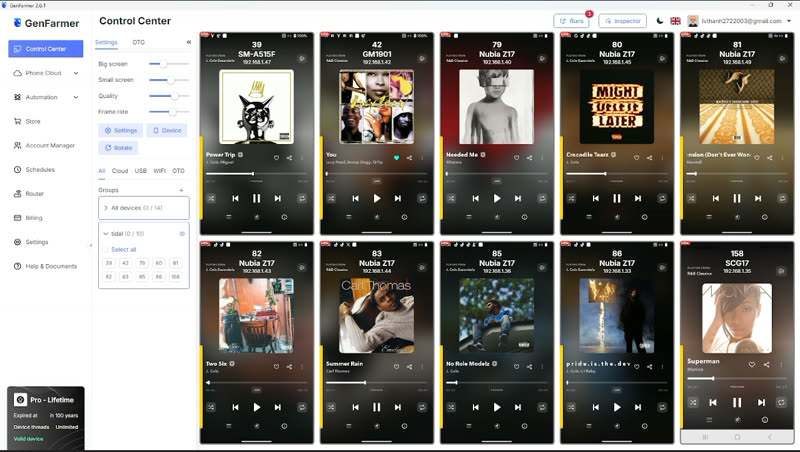
Ready-made scripts for logging in, warming up accounts and boosting engagement, bundled by GenFarmer into packages. If you have not bought one yet, contact GenFarmer sales on WhatsApp +84 97 123 46 01 or in the customer community. If you do not want automation, you can do everything by hand.
graph LR
    L1["LAYER 1<br/>Boxphone<br/><i>hardware</i>"] --> L2["LAYER 2<br/>Router<br/><i>one network route per phone</i>"]
    L2 --> L3["LAYER 3<br/>Account + Proxy<br/><i>identity</i>"]
    L3 --> L4["LAYER 4<br/>Automation<br/><i>scripts</i>"]
Which layer — which day
Section titled “Which layer — which day”| Layer | Name | Learned on | Typical problems |
|---|---|---|---|
| 1 | Boxphone | Day 1 | Scan finds no phones, black screen |
| 2 | Router | Day 2 | Phones show up but cannot get online, accounts get banned in clusters |
| 3 | Account + Proxy | Day 2 | Asked for verification, nobody sees your posts |
| 4 | Automation | Day 3 · Day 4–5 | Scripts run but the numbers do not move, wrong app installed |
When you need a quick lookup based on what you are seeing on screen, use Troubleshoot by symptom.