
A6 · Day 3 — Basic automation
Layer 4 · Automation
Question of the day: Can the machine do the work for me?
Today you do not learn a new feature. You simply hand over to the machine the things you did by hand over the past two days.
What automation is
Section titled “What automation is”It is the very same actions you tapped by hand on Day 1 and Day 2, recorded as a script and run on many phones at once. No coding needed; you just select and click.
| Tool | What it does | When to use it |
|---|---|---|
| Auto Login | Logs in and logs out in bulk instead of typing on each phone by hand | Today |
| Trust (warming up accounts) | The phone watches videos, scrolls, likes and follows like a real person with clear interests. The goal is for the platform to register this account as belonging to someone with habits, not a brand-new account. | Run for 2–4 weeks |
| Boost (boosting engagement) | Concentrates engagement on one specific post so the platform distributes it more widely | Only after enough warming up |
Download the automation package → Run Auto Login → Turn on Trust to warm up accounts
Check that the platform app is on the phones
Section titled “Check that the platform app is on the phones”The platform app was installed on Day 2 · step 3. Install it on any phone that is missing it, following the instructions there — download from the official APK folder, not the links in the User Manual (HDSD).
Download the automation package for your platform
Section titled “Download the automation package for your platform”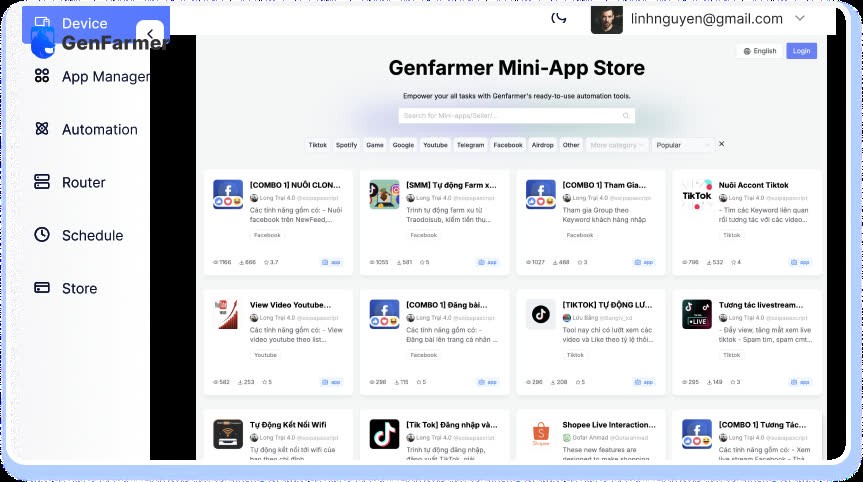
Go to the Store, find it and download it. A video guide is included — see the GenFarmer video playlist. HDSD p. 18–20 · 52–55 · 80–83
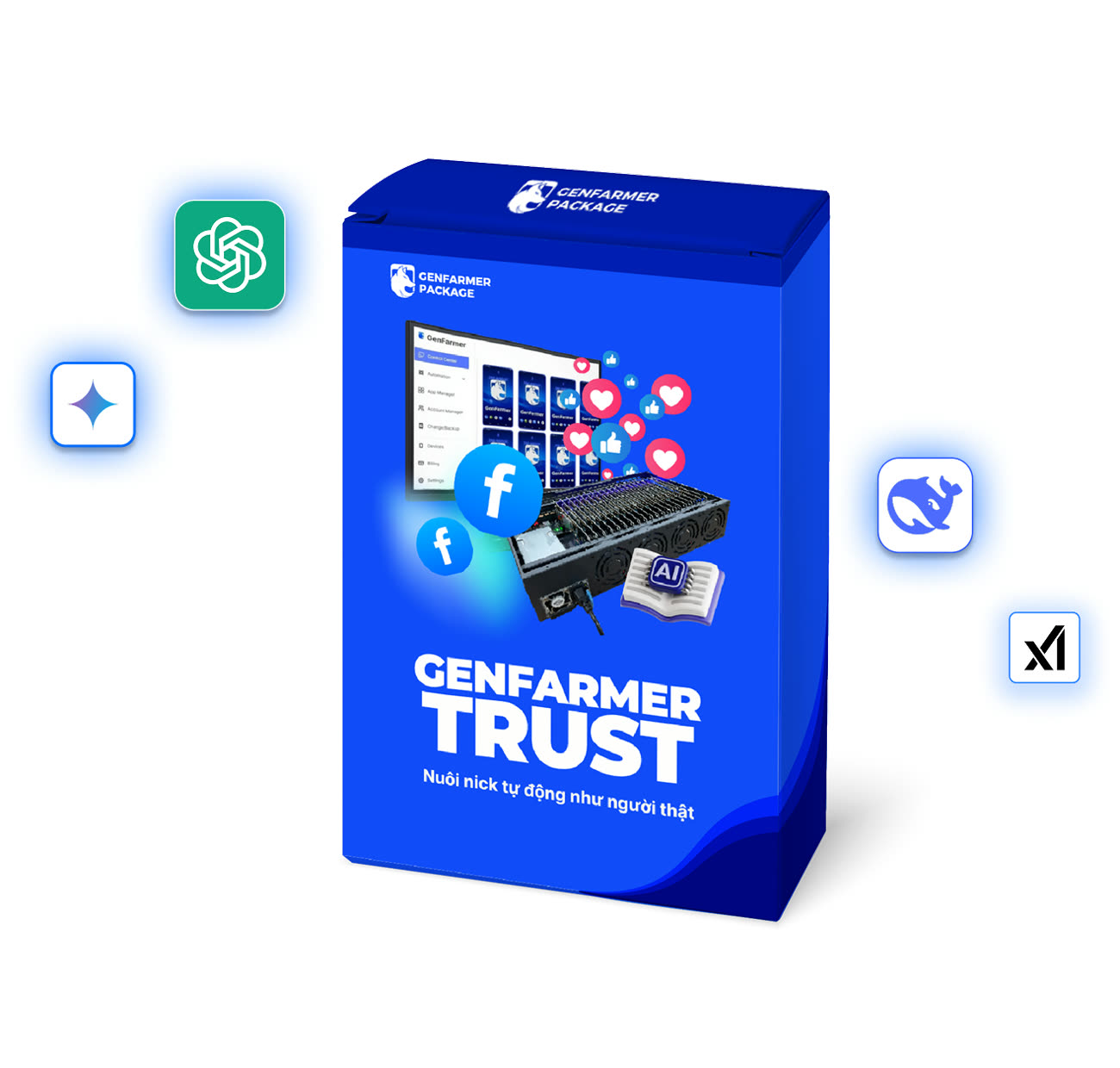
Download the platform’s three tools
Section titled “Download the platform’s three tools”Auto Login, Trust and Boost. HDSD p. 21–24 · 56–59 · 84–88
Open the Account Manager screen
Section titled “Open the Account Manager screen”This is where you choose which account runs which script. On Day 2 you used this screen to store accounts; today you use it to give orders.
Run Auto Login on exactly the 5 accounts you already have
Section titled “Run Auto Login on exactly the 5 accounts you already have”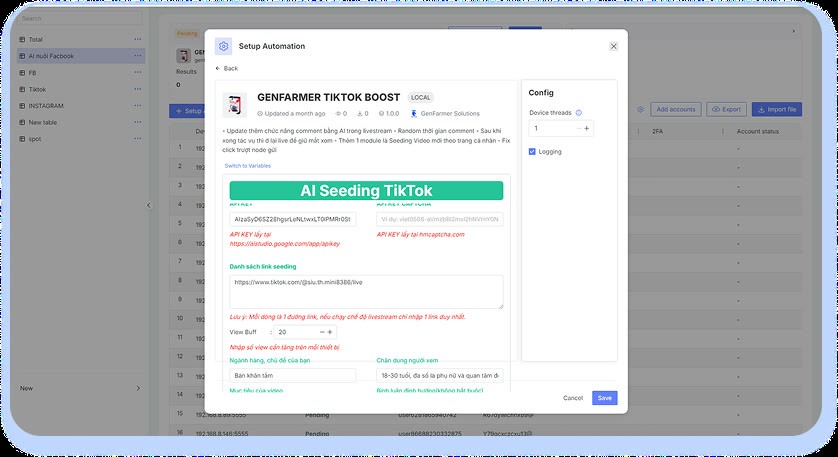
Do not scale up yet.
Turn on Trust for those 5 accounts
Section titled “Turn on Trust for those 5 accounts”Let it run overnight.
Check the next morning
Section titled “Check the next morning”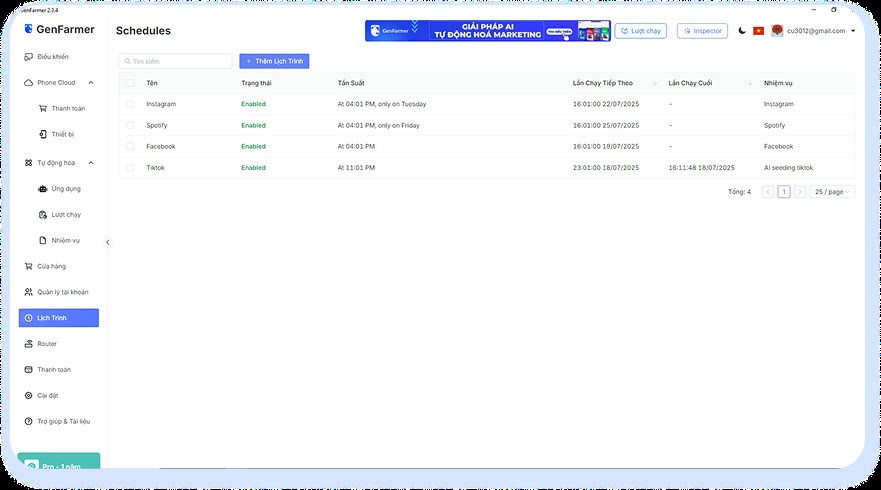
If all 5 are still alive, buy more to reach 20, then run Auto Login and Trust on all 20 phones.
Done when
Section titled “Done when”Three common mistakes
Section titled “Three common mistakes”| ✕ | Mistake | Consequence |
|---|---|---|
| 1 | Turning on Boost on the first day because you want to see results early | The most expensive mistake in the whole roadmap |
| 2 | Running at full capacity on the first run instead of ramping up gradually | Accounts get banned in bulk |
| 3 | Only discovering you have no vilao.ai API key when you reach automatic commenting | You have to stop halfway. This was already part of Day 0. Note: even with the right API, if the provider’s model has an outage, automatic commenting may still be affected |